Mosque Emergency Alert Systems: Fire, Evacuation & CAP
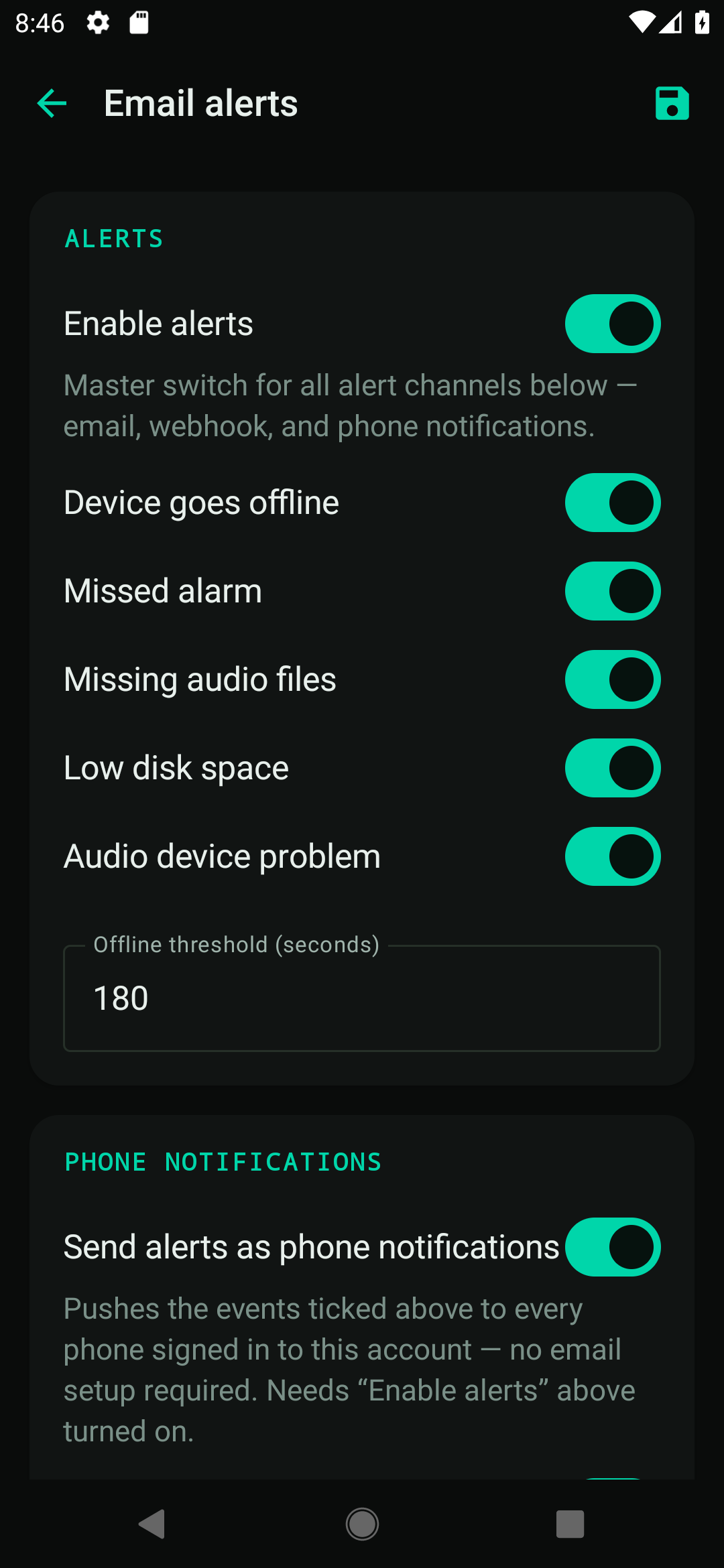
A mosque emergency alert system uses your existing speakers, display and committee phones to warn everyone quickly in a fire, evacuation or other incident — overriding normal audio with a clear voice message. Because masjids gather large numbers of people, fast, clear emergency communication is a serious safety responsibility. This guide explains the options.
Why mosques need emergency alerts
A masjid at jumuʿah or in Ramadan can hold hundreds or thousands of people, including children and elderly worshippers. In an emergency, you need to:
- Get a clear message to everyone at once — calmer and faster than word of mouth.
- Reach every area, including overflow rooms, the sisters' section and outdoor spaces.
- Alert the committee instantly, even those not in the building.
- Show instructions on screen for anyone who can't hear clearly.
What does a good mosque emergency alert system do?
A good emergency alert system reaches every zone at an audible level, overrides whatever is currently playing, can be started in one action by anyone authorised, states clearly what people should do, keeps a record of what fired, and cannot be interrupted by a scheduled bell or announcement. Each feature and why it matters is below.
| Feature | Why it matters |
|---|---|
| Priority voice override | An evacuation message interrupts the adhan/announcements at a set, audible volume |
| Pre-set scenarios | One tap plays the right message (fire, evacuation, lockdown, all-clear) |
| Multi-zone | Reaches every part of the building and outdoor areas |
| Phone/messaging alerts | Notifies committee members instantly (e.g. via Telegram) |
| On-screen message | Pushes instructions to the display board simultaneously |
| CAP support | Works with the Common Alerting Protocol standard used by official alerting systems |
What is CAP (Common Alerting Protocol)?
CAP is an international open standard for exchanging emergency alerts between systems. Support for CAP means your masjid's system can send or receive standardised alerts in a structured, interoperable way — useful as public alerting becomes more connected. A modern platform like Multilarm includes emergency scenarios and CAP-style alerting alongside the everyday adhan and announcements.
How do mosque emergency alerts work in practice?
In practice an alert runs in four stages: somebody authorised triggers a scenario from a button, phone or dashboard; the system overrides all current audio and plays the message at top priority in every zone; every scheduled event stays suppressed until the alert is explicitly reset; and the whole sequence is written to a log for the review afterwards.
- A committee member triggers a scenario — from a wall button, phone app or dashboard.
- The system overrides current audio and plays a clear evacuation/voice message at priority volume across all zones.
- The display board shows the instruction (e.g. "Evacuate — use nearest exit").
- Phones are notified so committee members and marshals respond immediately.
- An all-clear can be issued the same way once safe.
How do you add emergency alerts to a system you already have?
The efficient approach is to add emergency alerting to the same platform that already runs your adhan, announcements and display — see the mosque PA & announcement guide. That way:
- one message reaches speakers, screen and phones together;
- there's a single, tested path rather than a separate emergency box no one maintains;
- zones already configured for announcements are reused for evacuation.
Note: an emergency voice/announcement message uses English text-to-speech (or your own pre-recorded audio). This complements — it does not replace — a certified fire-alarm system where one is legally required; always follow your local fire-safety regulations.
Is your masjid emergency-ready?
Work through the checklist below with the building in front of you rather than from memory, and test each item at low volume outside prayer times. Anything you cannot demonstrate today is something that will not work on the day it is needed.
- Clear evacuation voice message reaches every zone at audible volume
- One-tap scenarios (fire, evacuate, lockdown, all-clear)
- Committee phones notified instantly
- Instruction shown on the display board
- Regularly tested and understood by volunteers
- Complies with local fire-safety law
See emergency alerts in action
Try the free Multilarm live demo and trigger an emergency scenario to see how it overrides audio and notifies phones.
FAQ
Does this replace a legal fire alarm?
No. It's a voice-alert and notification layer that complements your fire-alarm system. Always follow local fire-safety regulations and keep any legally required certified alarm.
Can it alert people who aren't in the building?
Yes — it can send instant notifications to committee phones (for example via Telegram) as well as sounding the alert in the masjid.
What language are the alerts in?
Automated voice alerts use English text-to-speech; you can also record your own audio messages in any language.
What is a CAP alert?
CAP (Common Alerting Protocol) is an open international standard for structured emergency alerts, allowing different alerting systems to interoperate.
Can we test it safely?
Yes — you can run scenarios in a test mode and train volunteers so everyone knows the procedure.
Multilarm is a Raspberry-Pi-based announcement, prayer-time and emergency-alert system for mosques and facilities. Try the free live demo »